Engineer App and Team Logins
Add engineers by code on their own phone, a PIN on a firm tablet, or email. They see their jobs, not your price book.
See pricing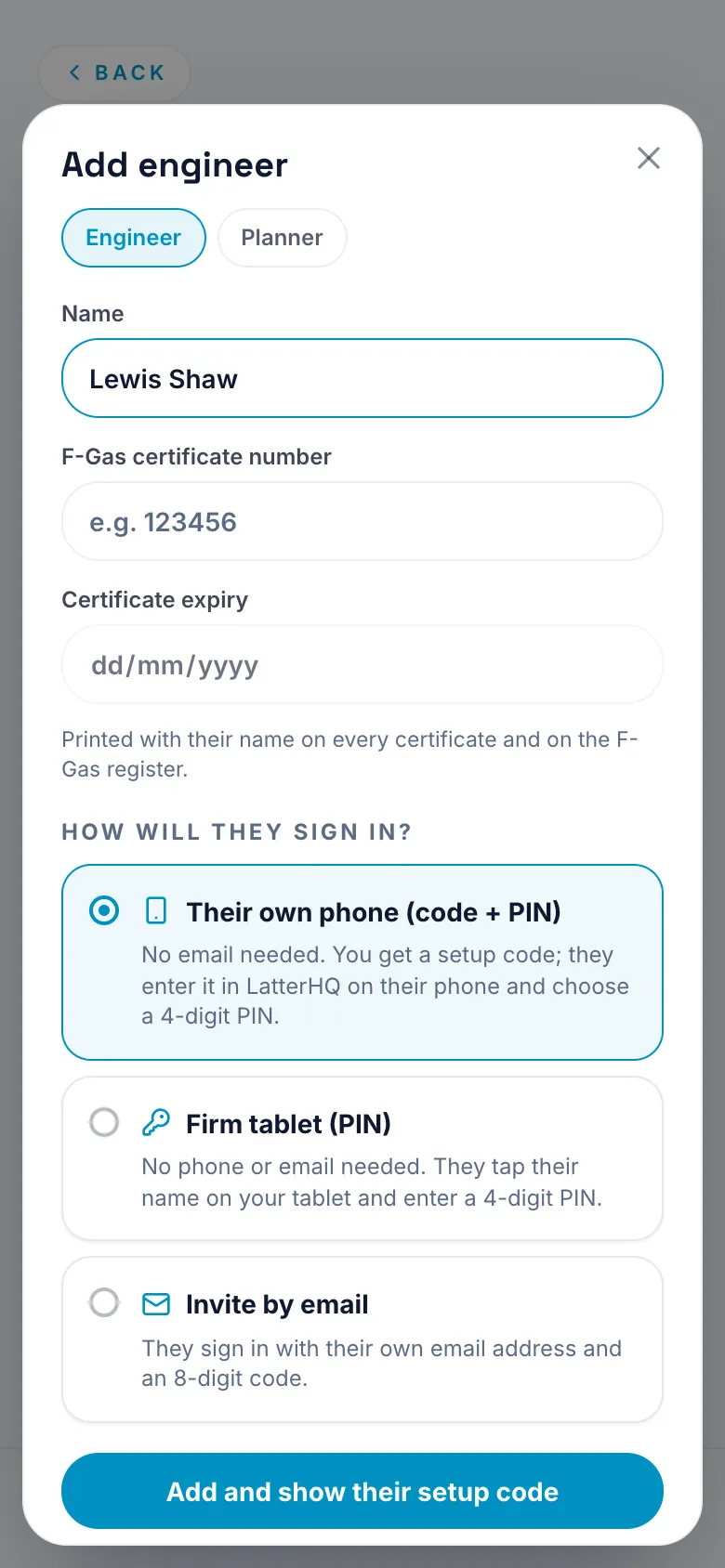
What it does
- Add an engineer by a code on their own phone: a QR, six characters or a link. They choose a PIN.
- Or a PIN on a firm tablet, shown once.
- Or an email invite.
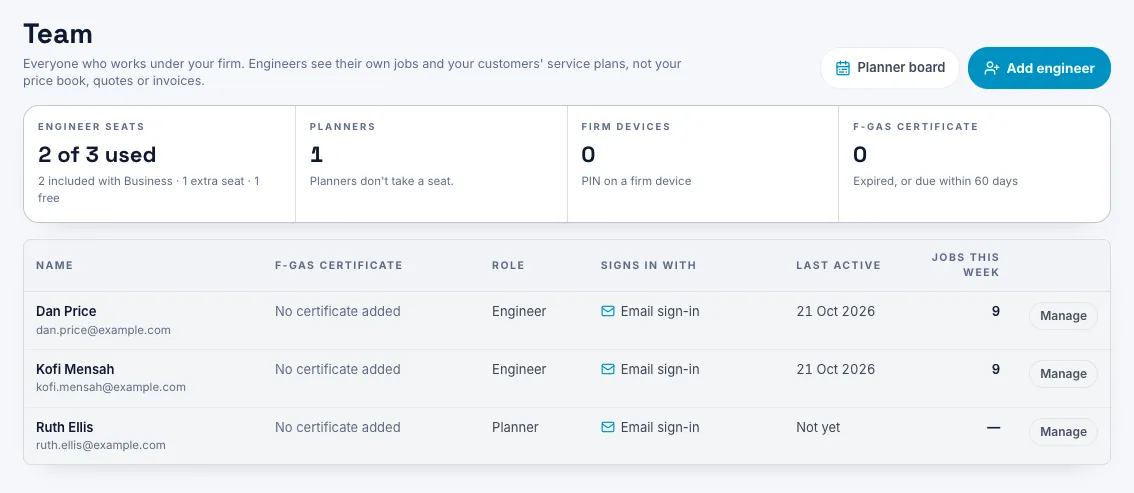
- They see their own jobs, not your price book. Prices, quotes, invoices and expenses stay with the owner.
Which plan
BusinessBusiness. The owner sets the team up on the web.
Once they've joined, engineers use the app on their own phone, iPhone included, and get the Pro tools through your firm.
Business is £29.99 a month for the owner and 2 engineers, then £9 a month for each engineer after that. New accounts get the first month free, with no card needed.
Engineers on a Business firm sign in with the login their firm gives them.
Questions
My engineers don't have a work email. Does that matter?
No. Use the code on their own phone, or a PIN on a firm tablet. Email is only one of the three ways.
What can an engineer see?
Their own jobs and the tools to do them. Not the price book, quotes, invoices or expenses.
Can they use an iPhone?
Yes. Once they've joined, they sign in on their own phone, iPhone included, and get the Pro tools through your firm.
Can someone do the planning without an engineer seat?
Yes, with a planner login. No engineer seat, and no prices.
Can I add an apprentice?
Yes. Mark them as an apprentice on the Team page. They do the job and take the readings, but the F-Gas record, commissioning certificate, leak check and recovery note wait until a certified engineer from your firm is named as supervisor. Then they print that engineer's name and F-Gas number.