Service Menu Procedures: Daikin, Mitsubishi Electric, Toshiba, Fujitsu
The manufacturer's own steps for reading the unit and setting service modes, for the models we hold, with the page they came from.
See pricing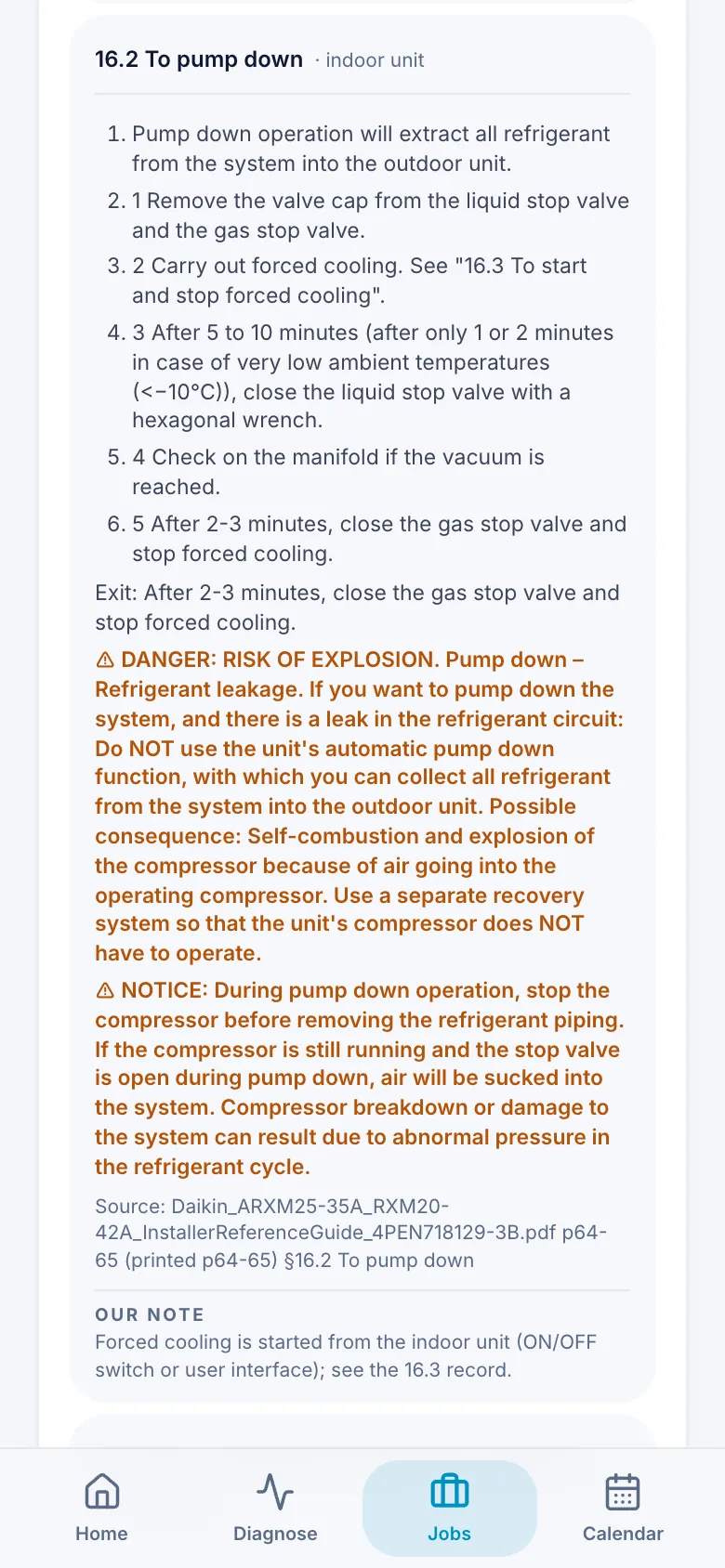
What it does
- The manufacturer's own steps, with the manual and page they came from. Anything we've added is kept apart as 'Our note'.
- Reading the unit: monitor mode, so you can see what its sensors say.
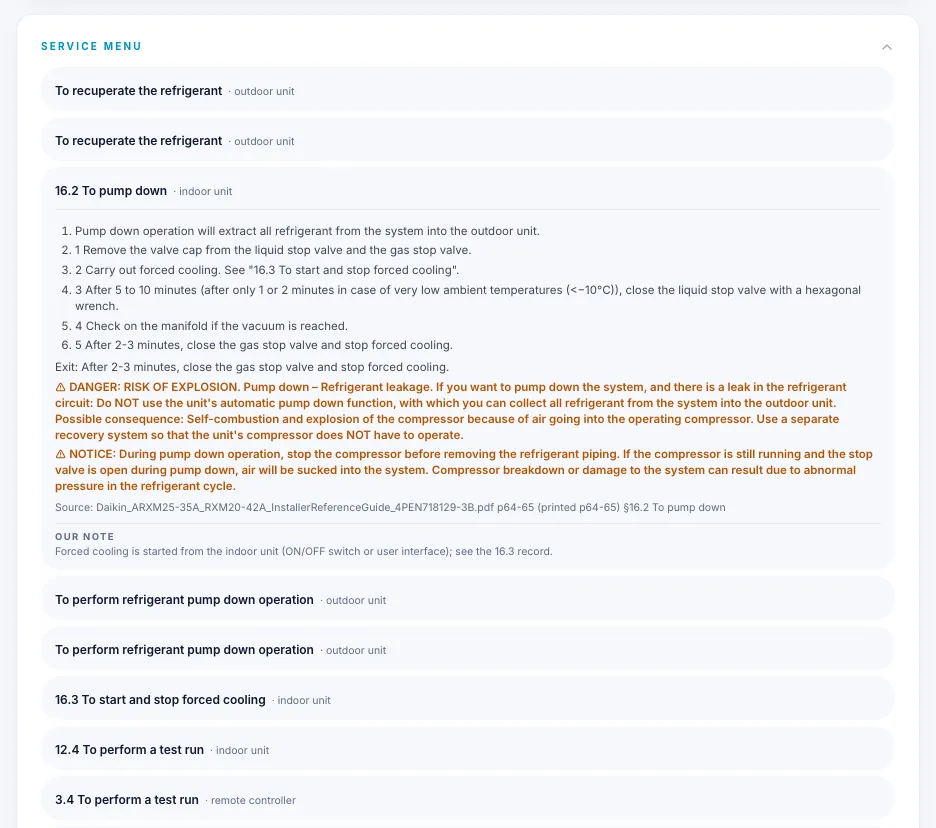
- Setting service modes, such as test run, pump down, field settings, forced defrost, charge mode and vacuum mode.
- Daikin, Mitsubishi Electric, Toshiba and Fujitsu, for the models we hold.
Which plan
ProPro: the full service menu, on the Reference page and on the job sheet.
Free: the 'How to read this on the unit' steps open inside the free fault finder, with no account, wherever a step asks for a reading.
Pro is £9.99 a month, or £99 a year, on the launch rate. New accounts get the first month free, with no card needed.
Pro is bought in the app. The App Store shows the price before you confirm.
Questions
Where do the steps come from?
The manufacturer's own manuals. Each procedure prints its source: the manual and the pages. Anything we've added is marked 'Our note', so you can tell the two apart.
Which makes does it cover?
Daikin, Mitsubishi Electric (not Mitsubishi Heavy Industries), Toshiba and Fujitsu, for the models we hold. A model we don't hold shows nothing rather than a guess.
Does it cover vacuum mode?
On the Daikin and Toshiba models we hold. On commissioning, the evacuation step offers the unit's vacuum mode steps where we have them.
Is any of it free?
Yes. In the free fault finder, wherever a step asks for a reading, 'How to read this on the unit' opens the monitor mode steps, with no account. The full service menu is Pro.